AI Projects
Color systems, inside the tools you already design in.
Color is a system, not a lucky swatch — but the tools push you toward guessing one pixel at a time. Every time I needed a palette I'd leave the file I was working in, open a browser, generate something on Coolors, then eyedrop my way back. The thinking lived in one place and the work lived in another.
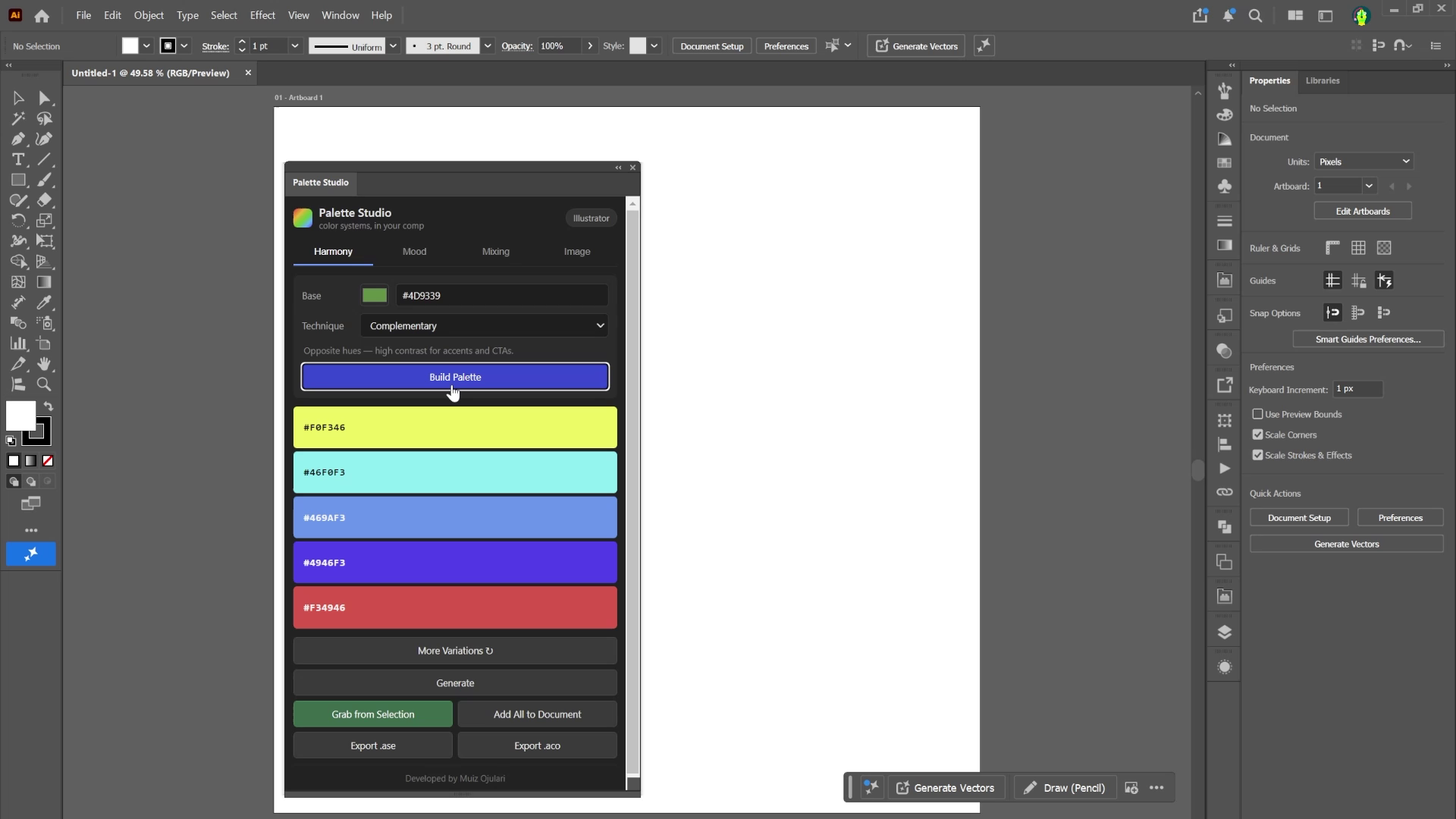
Palette Studio closes that gap. It's a color panel that opens right inside After Effects, Illustrator and Photoshop, so building a considered palette — grounded in real colour relationships, not vibes — happens where the design already is. Pick a base, choose the logic, send it straight to the document.
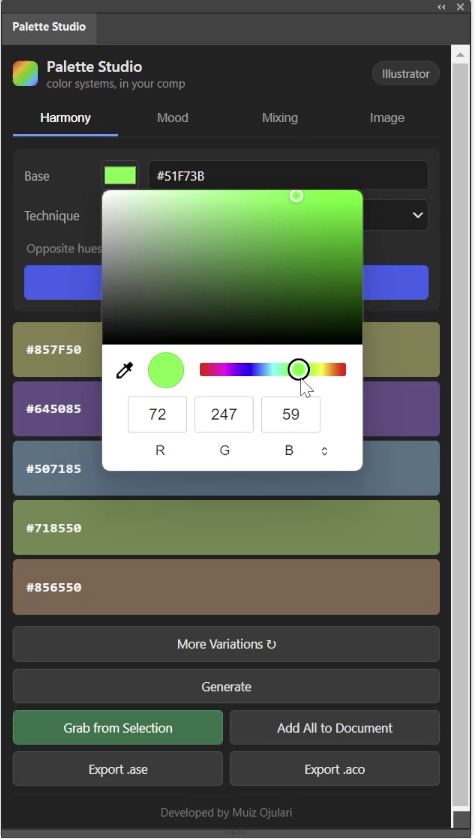
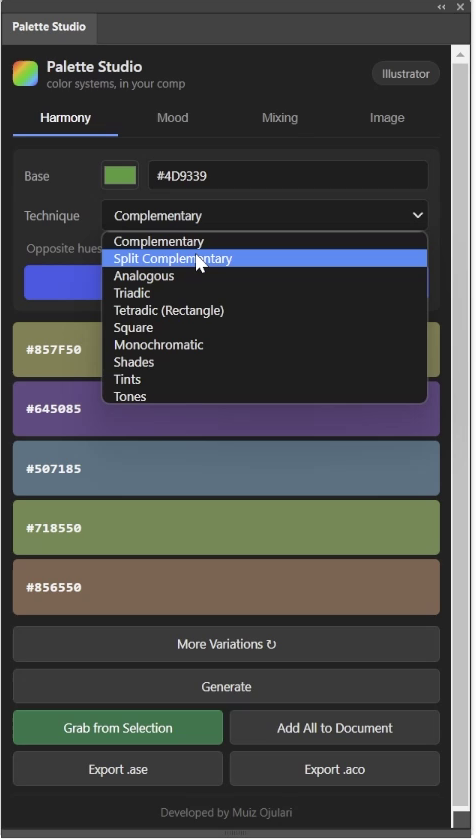
One panel, four ways to arrive at a palette — because no single method fits every brief:
A generate bar rerolls everything that isn't locked — hit the spacebar, Coolors-style, until it feels right. Then the payoff: export a clean .ase or .aco swatch file to your desktop, or Send to Document — solid layers in After Effects, swatches in Illustrator, foreground colour in Photoshop. The palette lands where you need it.
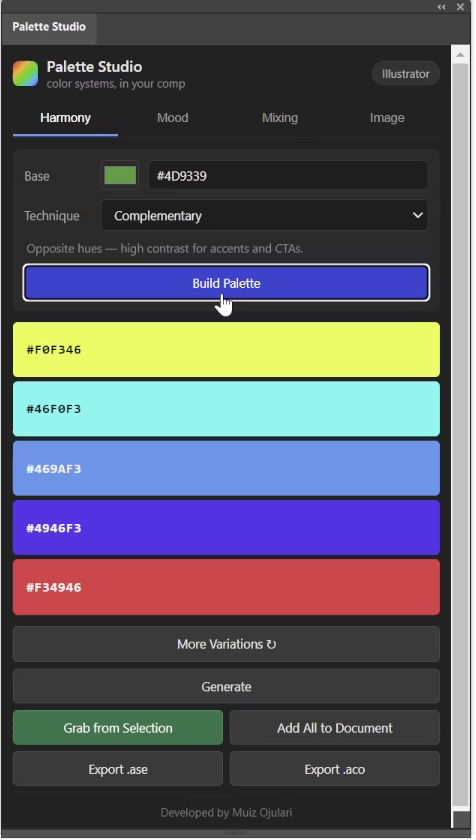
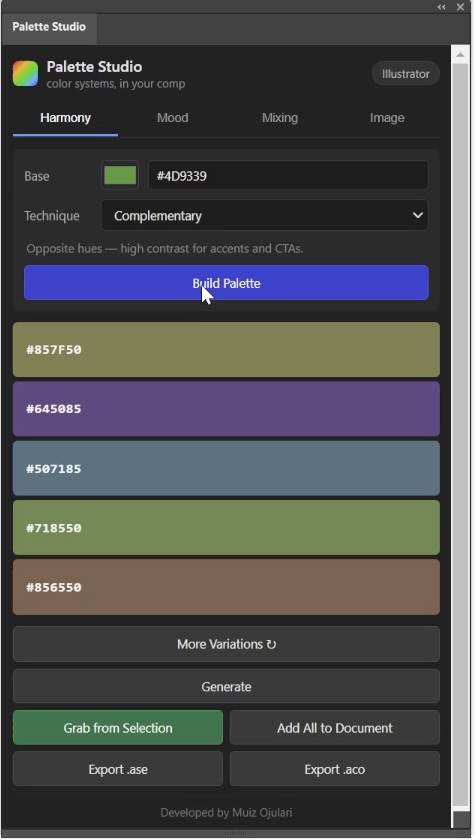
Palette Studio is a CEP extension — an HTML/CSS/JS panel that talks to an ExtendScript layer running inside the Adobe app itself. The panel holds the thinking: the colour-theory maths, the mood engine, the pigment-mixing model and the image extraction. The host script does the reaching-in — creating the layers and swatches in your open document.
I built it AI-assisted, but the interesting work was translating colour theory into something that behaves: getting subtractive mixing to feel like paint rather than screens, and tuning each mood so it reads as the feeling it names. It installs as a real panel — Window → Extensions → Palette Studio — with a short setup for unsigned development mode and one Adobe library file to drop in. The download README walks through every step.
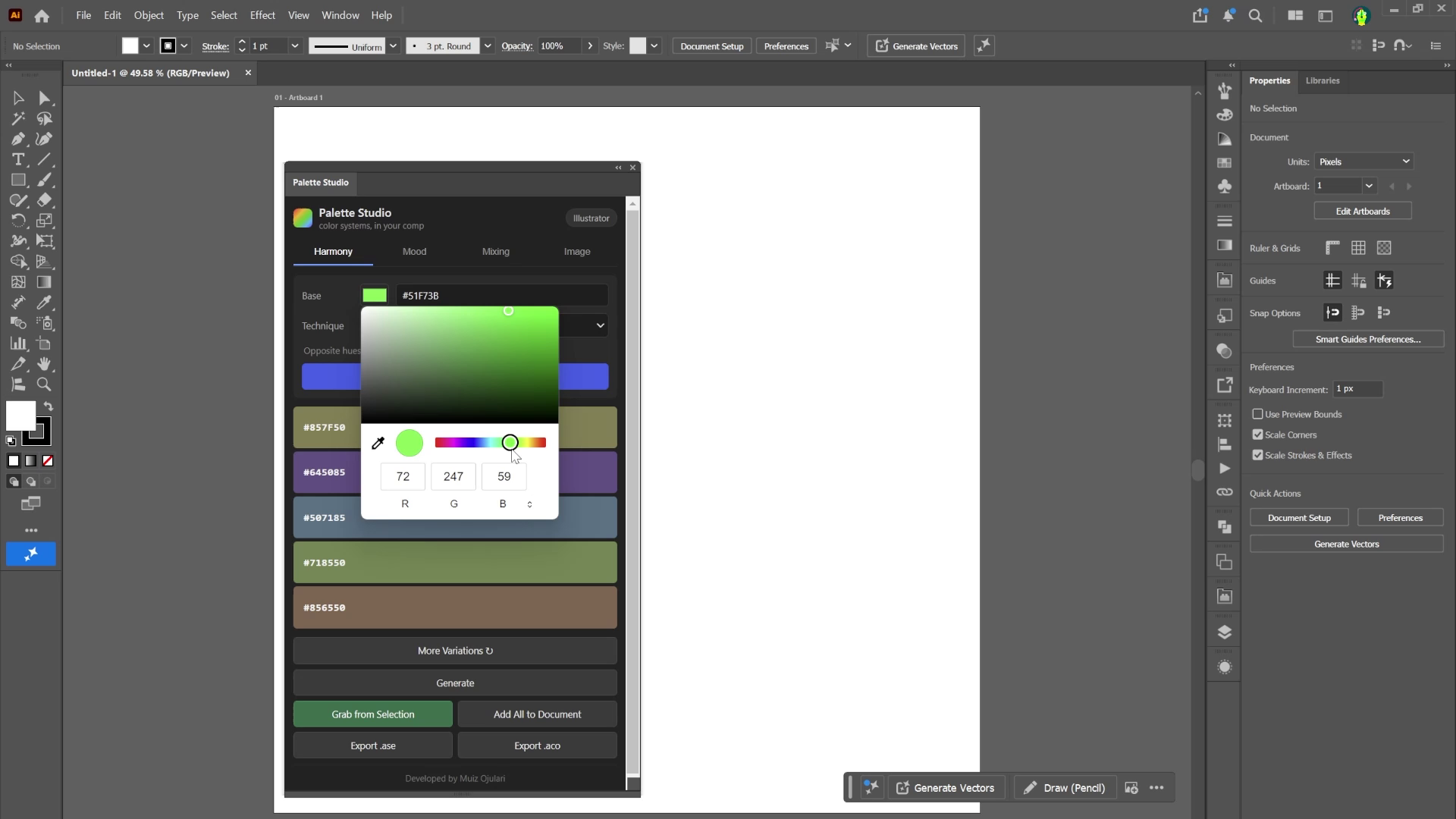
It runs where the work is — no round-trip to a browser, no eyedropping your way back.